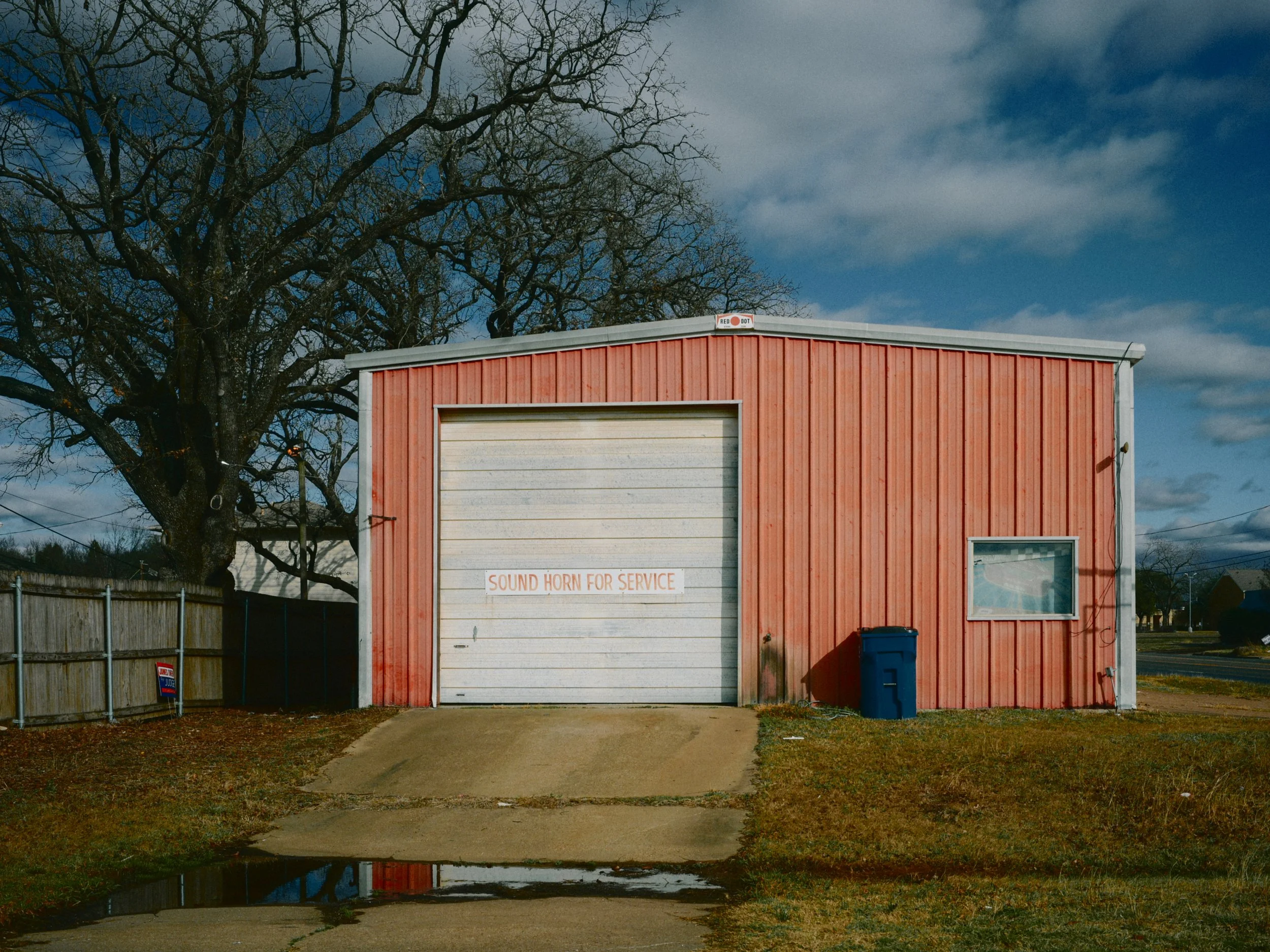
Scott’s Leiter film recipe for Nikon Z cameras
Check out all of my film sims here
Drawing inspiration from one of my favorite photographers of the 20th century, Saul Leiter, I present my take on the muted and deep color palate for which he was so well known.
Saul would often shoot expired Kodachrome and use unique combinations of developing chemicals to draw rich primary colors out of his negatives, a process so foreign and separated from modern digital photography that an exact emulation is simply impossible.
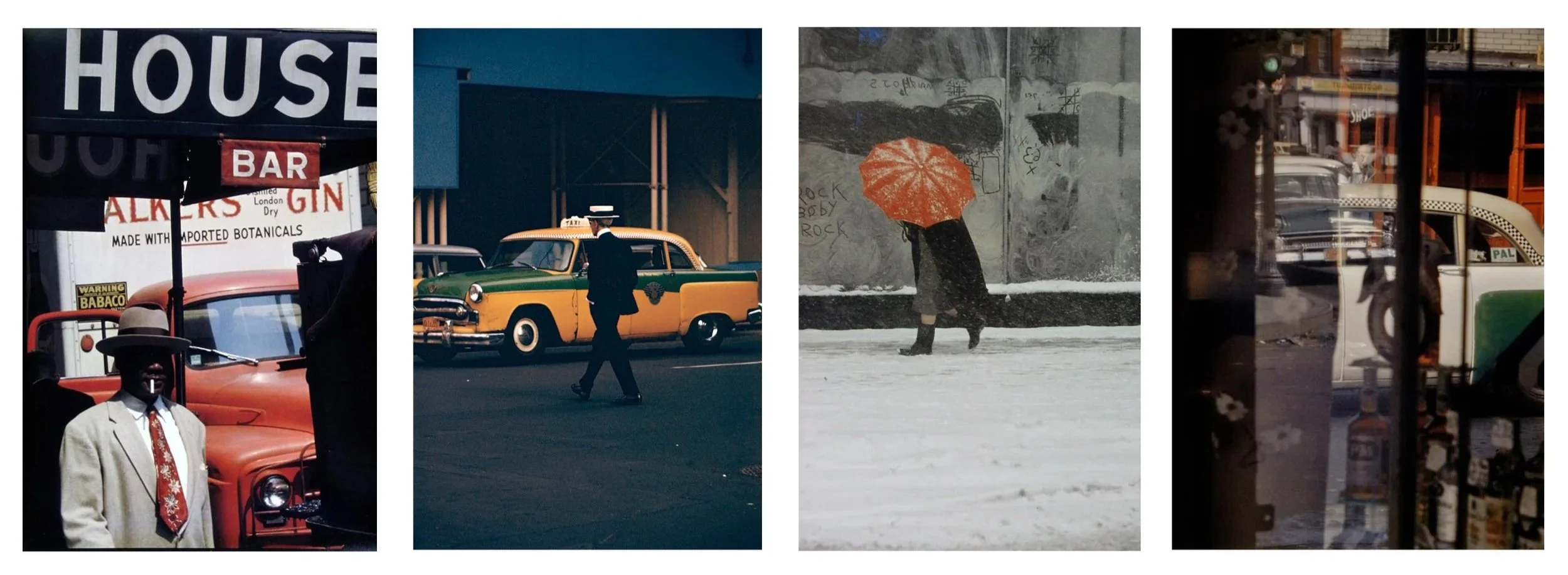
Examples of Leiter’s work that became the bedrock for this recipe
What we have here, then, is simply my best attempt to give you a similar look both straight out of camera and in one click in Lightroom.
I have focused on blues (dark, rich, warm), reds (vibrant, saturated), greens (deep and earthy) and yellows (muted but yet still prominent). I have also refined skin tones a bit more than Saul’s own work with Kodachrome, which would often give either an overly-ruddy effect or simply wash skin out entirely depending on the type of light on the scene.
Important note: this is NOT a recipe to be used for portraits or frames with prominent faces. I have simply tamped down the overly-orange-ness of Saul’s Kodachrome. You’ll still notice oddities in lip color because of how reds and oranges are pushed. Arm and leg skin tone is simply better balanced against the overall color palate than the source material.
I have envisioned this recipe to be best used in urban environments with 2-3 strong primary colors in frame. It is less ideal for high vegetation/green scenes.
This is best shot while the sun is up and either behind or above you. Due to how I have to push chroma levels hard in the NP3 file, any direct light in frame that causes light gradations (including in the sky) will show as harsh tonal boundaries between colors instead of a smooth roll off from one to another. This does not seem to happen as much when the sun is out of frame, or if the day is more overcast.
This recipe is my softest rendering yet with a -2.0 clarity setting. This is intentional, reducing cutting detail and approaching the painterly look often found in Saul’s color work. Note that adding in-body grain will further soften the file. If you’d like a standard -0.75 clarity look like my other recipes, you can download Scott’s Leiter CLR below.
At the time of writing, Scott’s Leiter is supported on the Nikon Zf, Z5ii, Z50ii, Z6iii, Z8, Z9, and ZR cameras.
NP3 updated on 2/13/26 with a tweak to pinks
Lightroom preset updated on 2/15/26
Scott’s Leiter CLR added on 2/15/26
Once downloaded, copy the .NP3 file to your camera’s SD card. Navigate to Camera > Manage Picture Control > Load/Save to get it assigned into a custom slot.
I pay attention to 4 settings when using this picture control:
Active D-Lighting - I will leave this to OFF unless it’s a VERY high contrast situation and my subject is in full shadow
Film Grain - turned ON and set to Medium 1
Exposure Compensation - Usually set between -0.3 to 0.0
White Balance - This is the MOST IMPORTANT setting for this recipe - if the sun is up in the sky, use Direct Sunlight 0.0, 0.0 - if the sun has gone down, I use Cloudy - play with these to find your favorite
Check out the Phoblographer’s thoughts on Scott’s Leiter here.
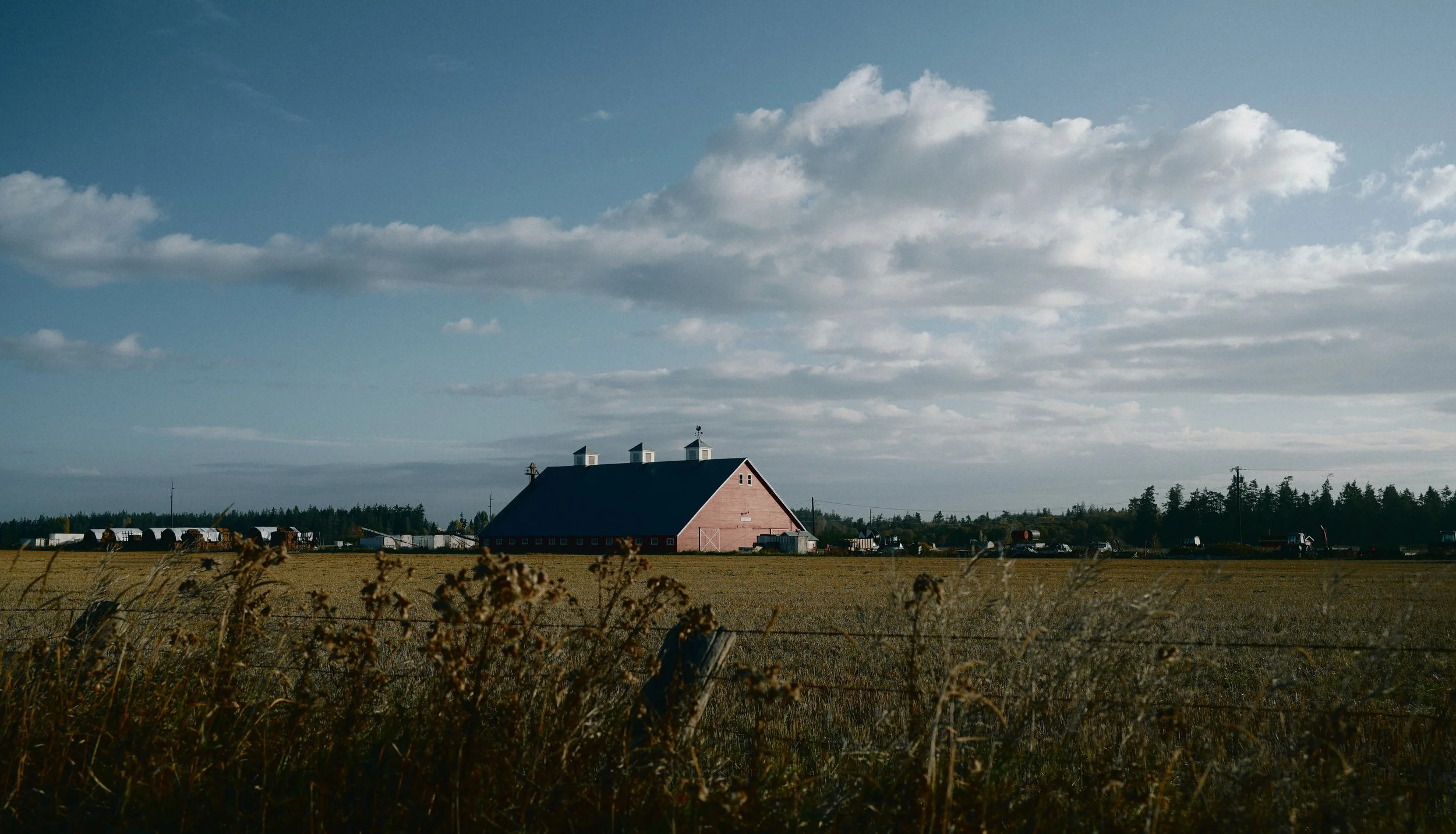
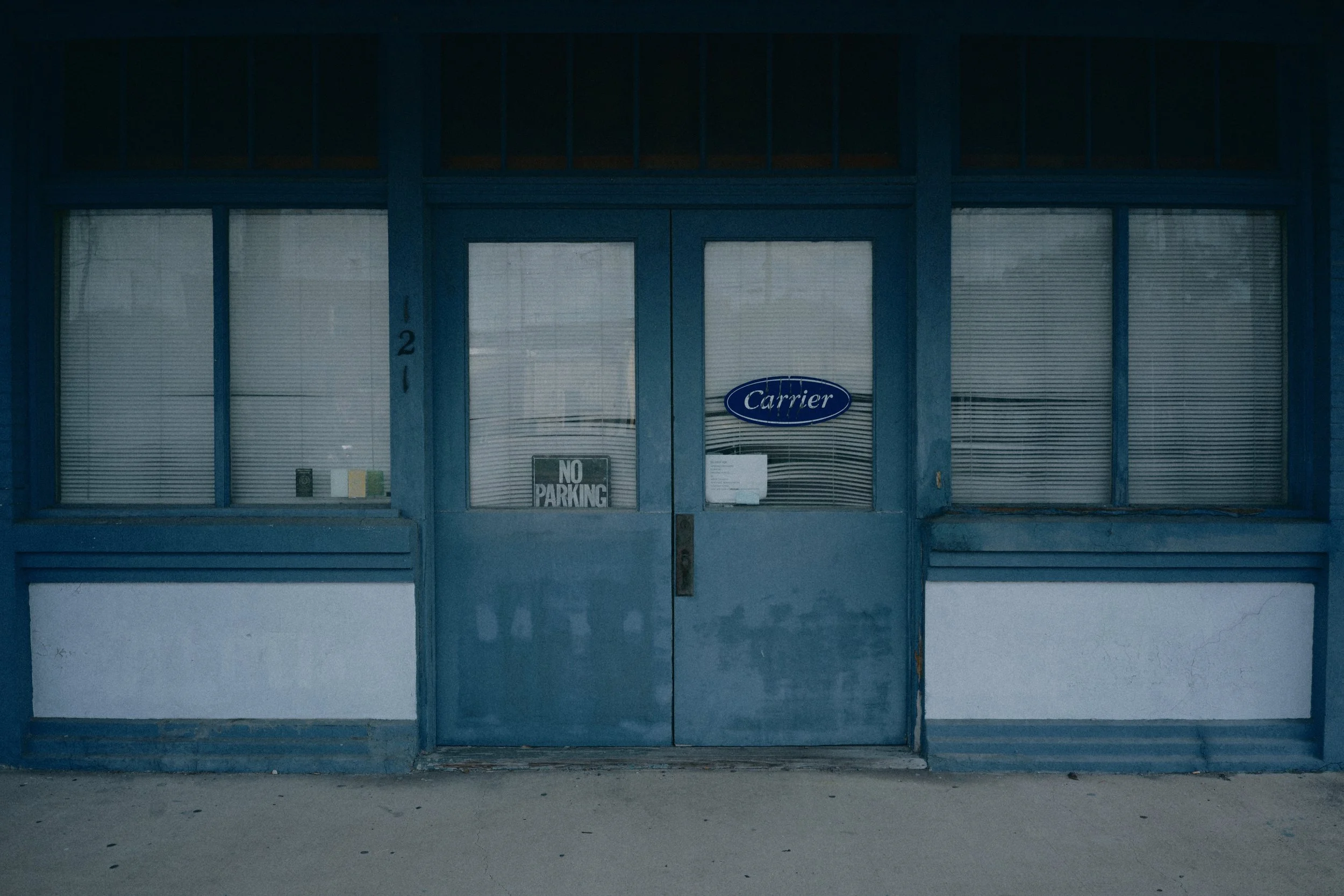
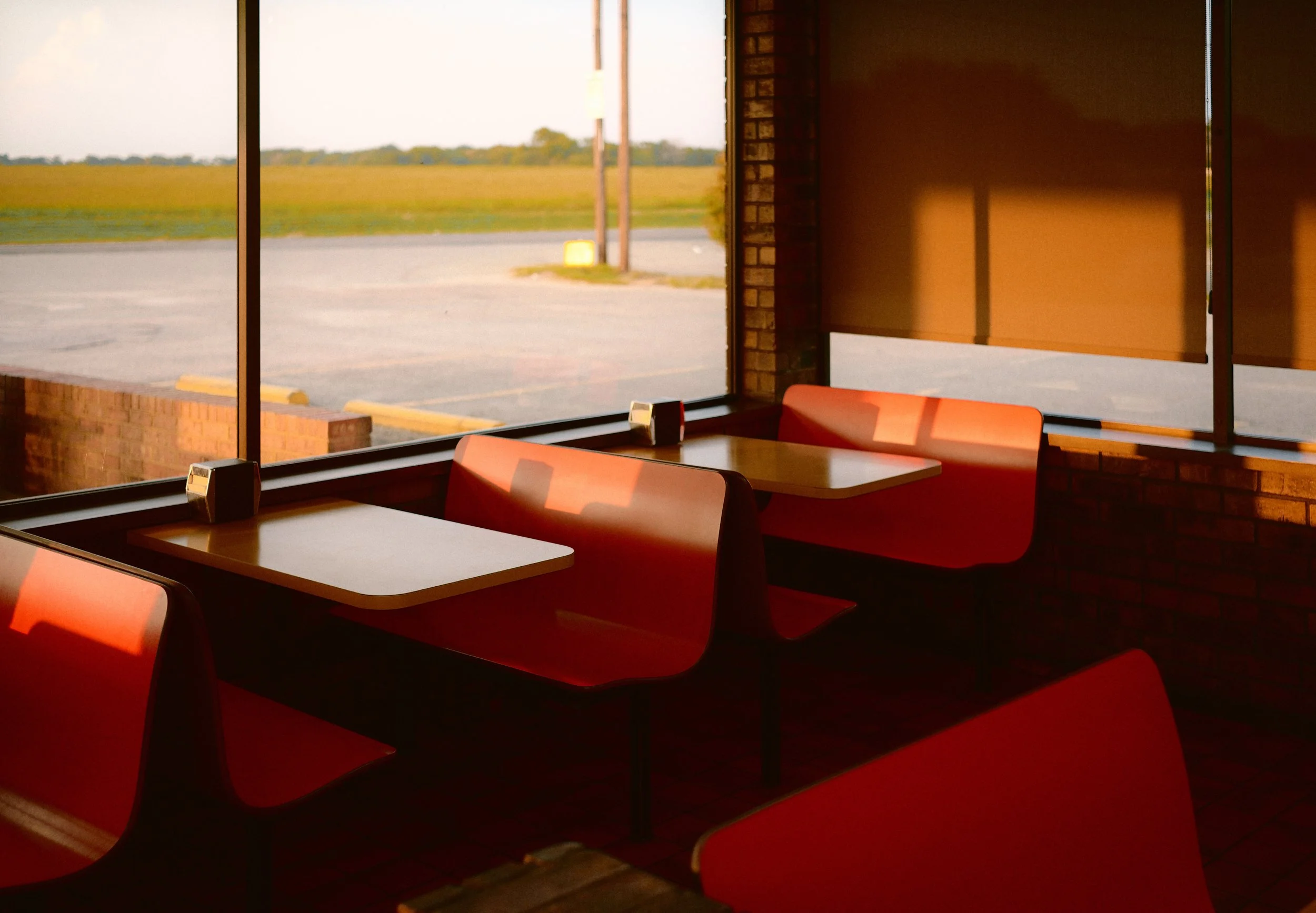
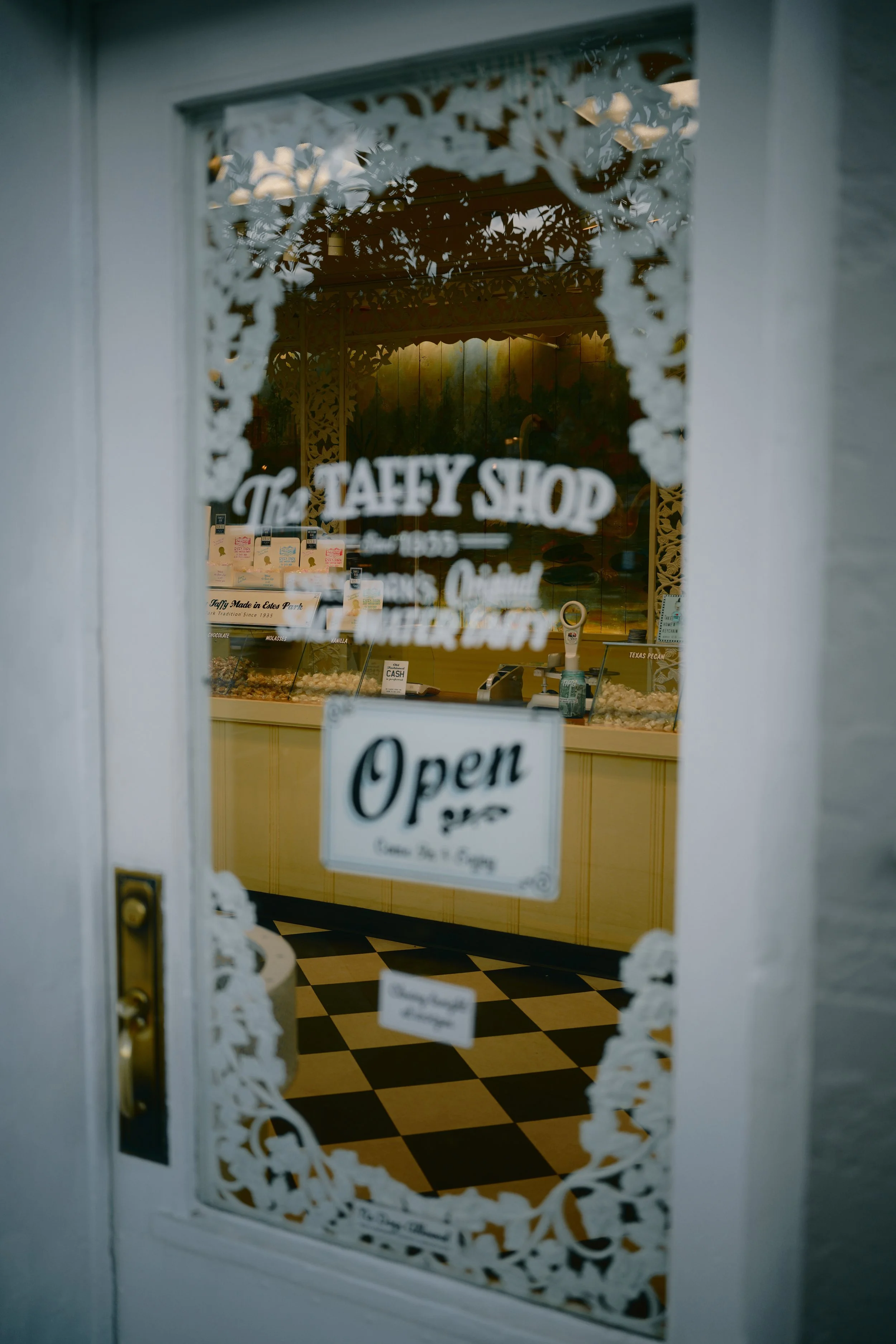
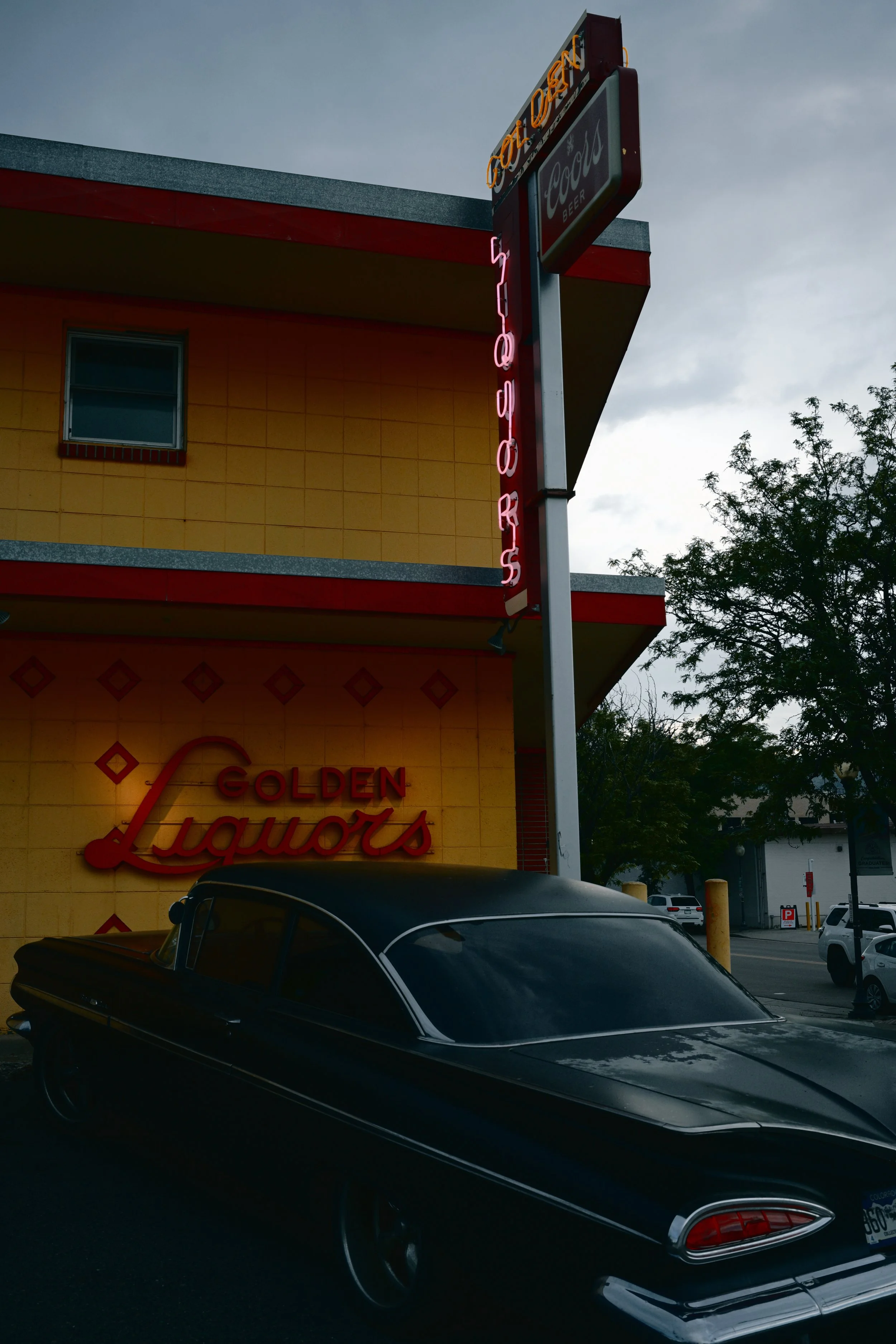
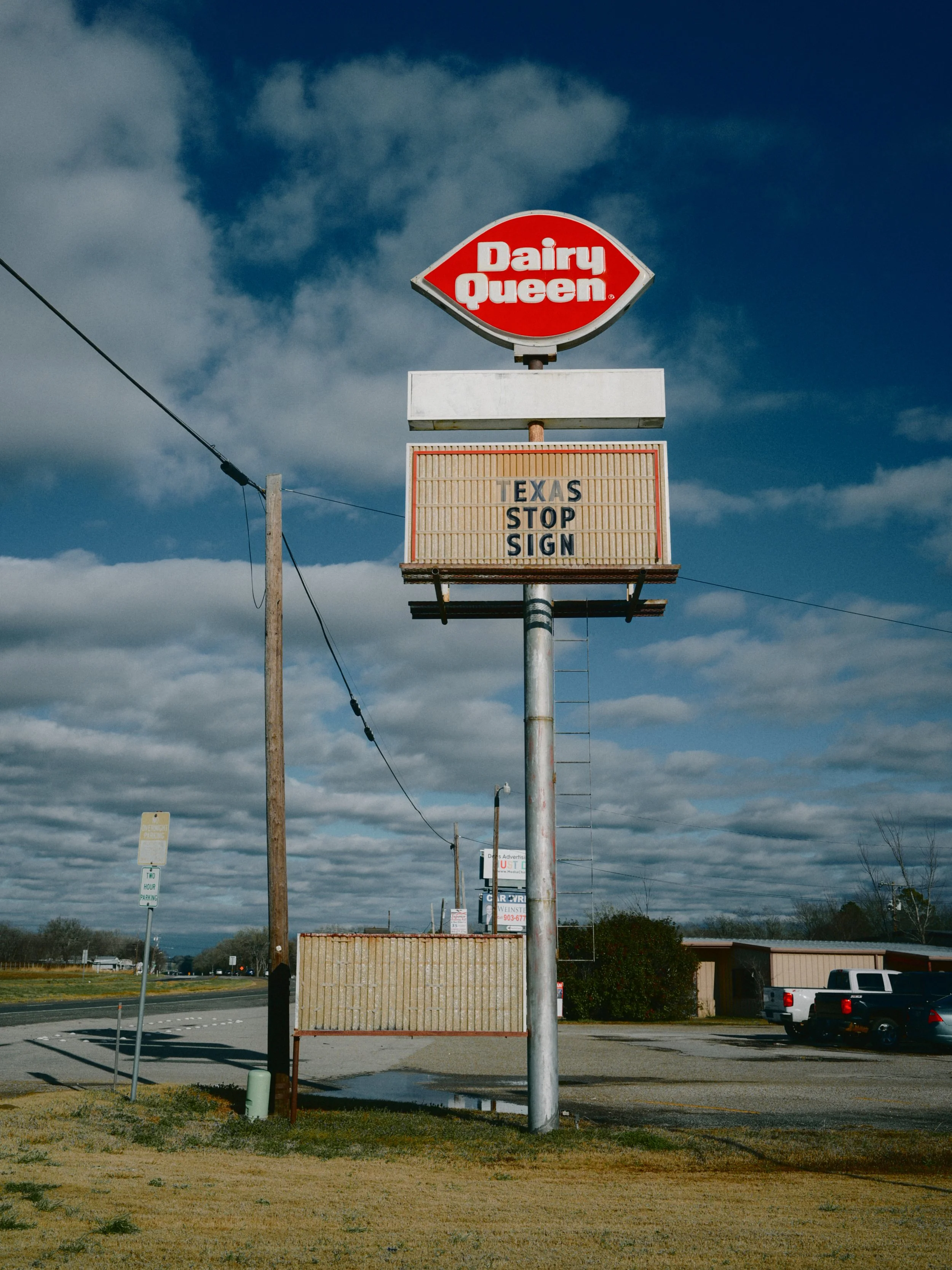
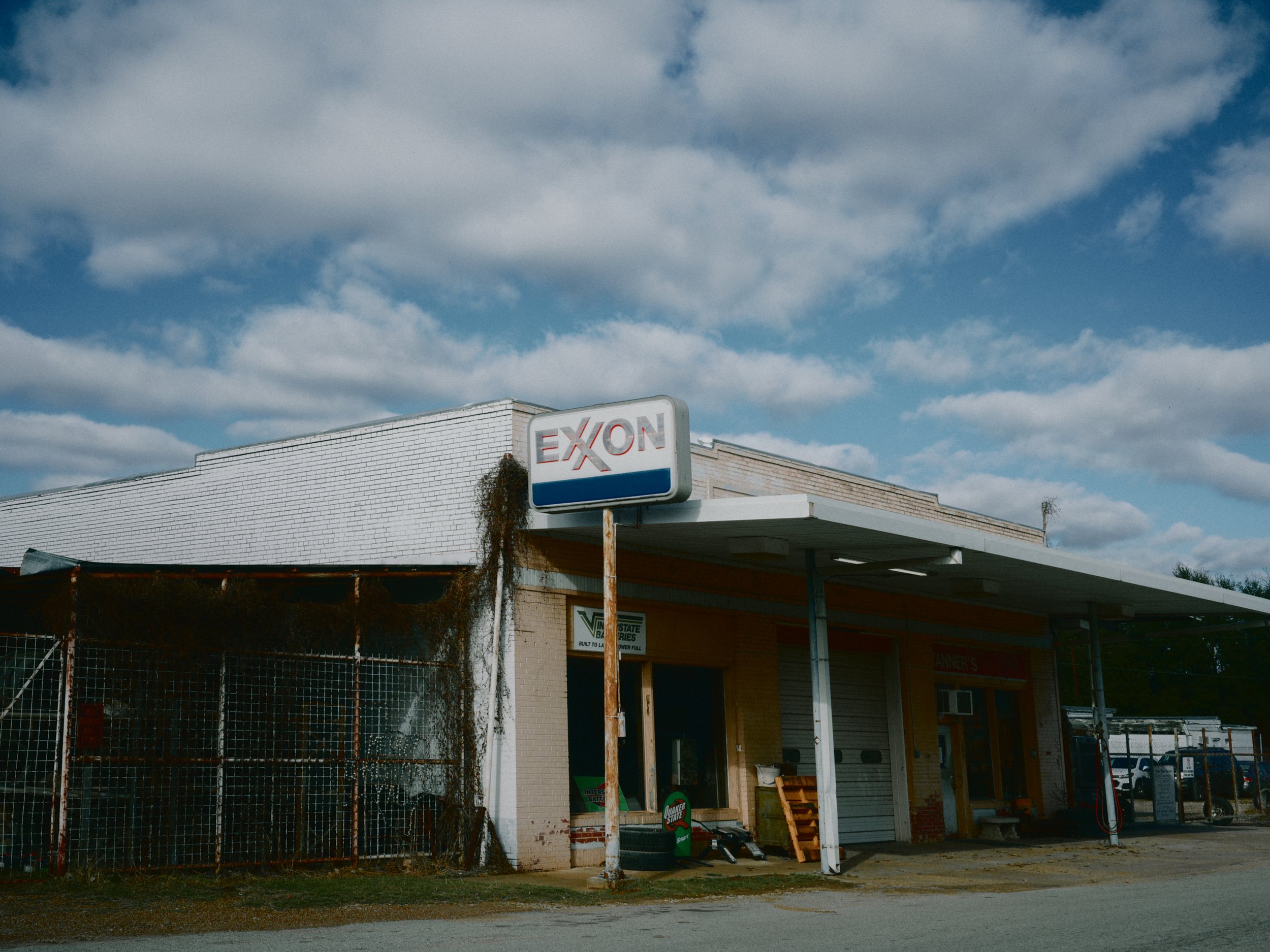
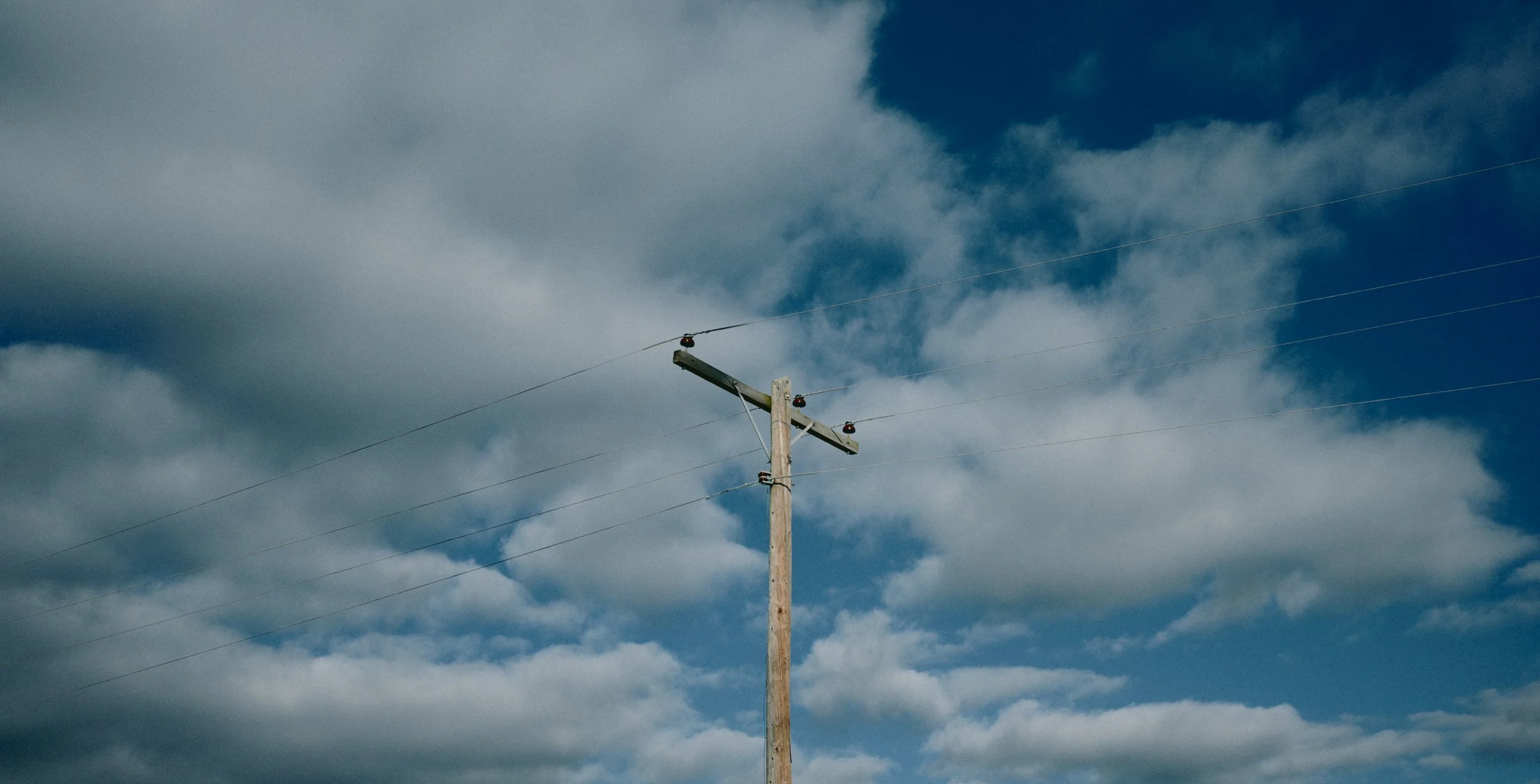
Example gallery below, all shot with Scott’s Leiter on the Nikon Zf with no additional processing.
I hope you enjoy shooting with this film sim! If you found this helpful, please consider buying me a coffee so I can fuel up and continue to bring you more content like this by clicking the Ko-fi button below.