Scott’s Natura recipe for Nikon Z cameras
Check out all of my film sims here
Scott’s Natura is a middle of the road picture control that accents natural colors, compliments skin tones, and is suitable for everyday shooting. It does not lean into overly warm or faded aesthetics, but provides a more neutral canvas on which to create. Whites are primarily controlled by white balance - shoot A0 and you have a very cool recipe, but shoot Cloudy and you can really warm it up. There are many possibilities by simply tweaking WB as you shoot.
At the time of writing, Scott’s Natura is supported on the Nikon Zf, Z5ii, Z50ii, Z6iii, Z8, Z9, and ZR cameras.
Once downloaded, copy the .NP3 file to your camera’s SD card. Navigate to Camera > Manage Picture Control > Load/Save to get it assigned into a custom slot.
I pay attention to 4 settings when using this picture control:
Active D-Lighting - Normal to High
Film Grain - turned ON and set to Medium 1
Exposure Compensation - +1/3 to +2/3
White Balance - Natural Light Auto for most conditions
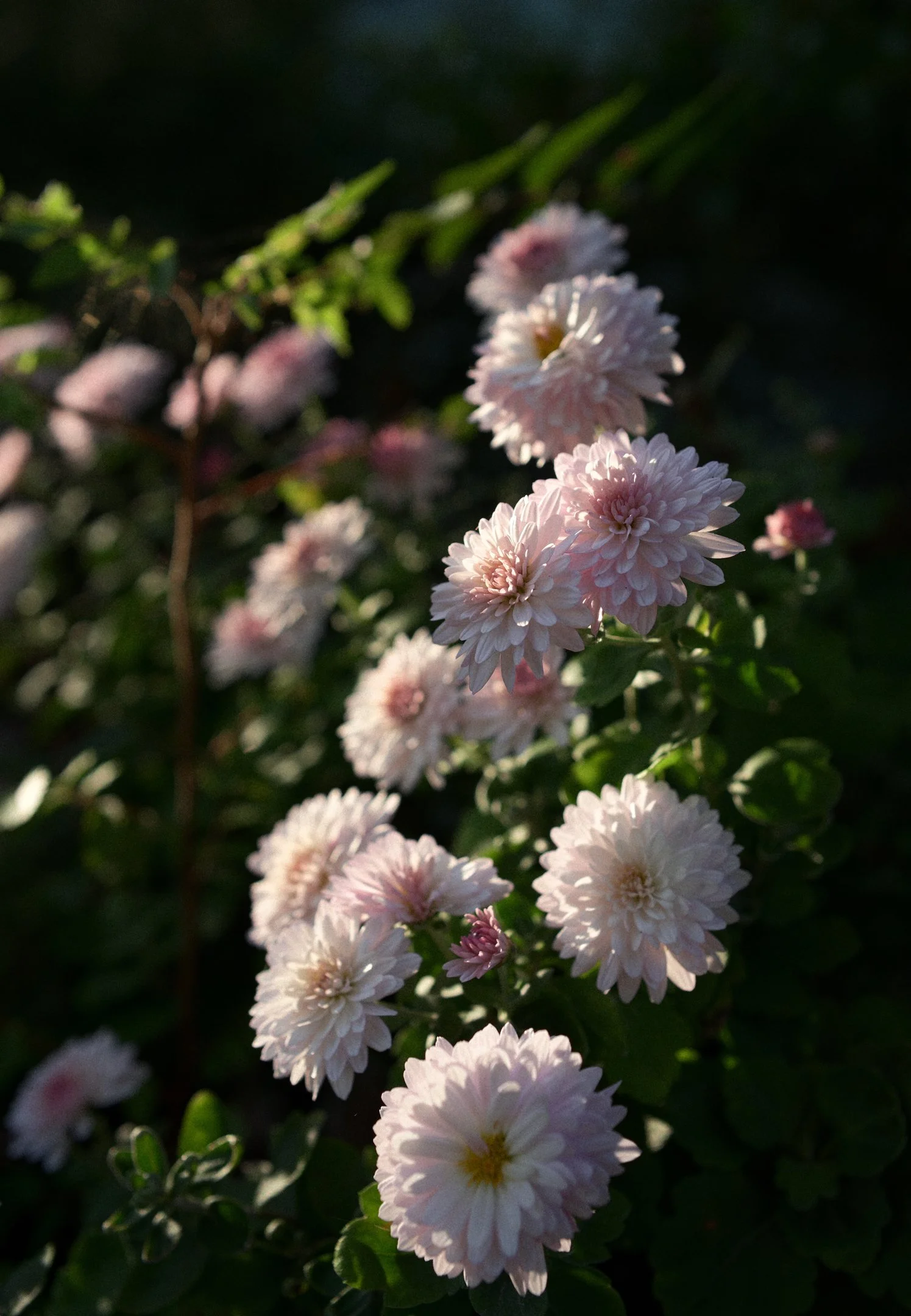
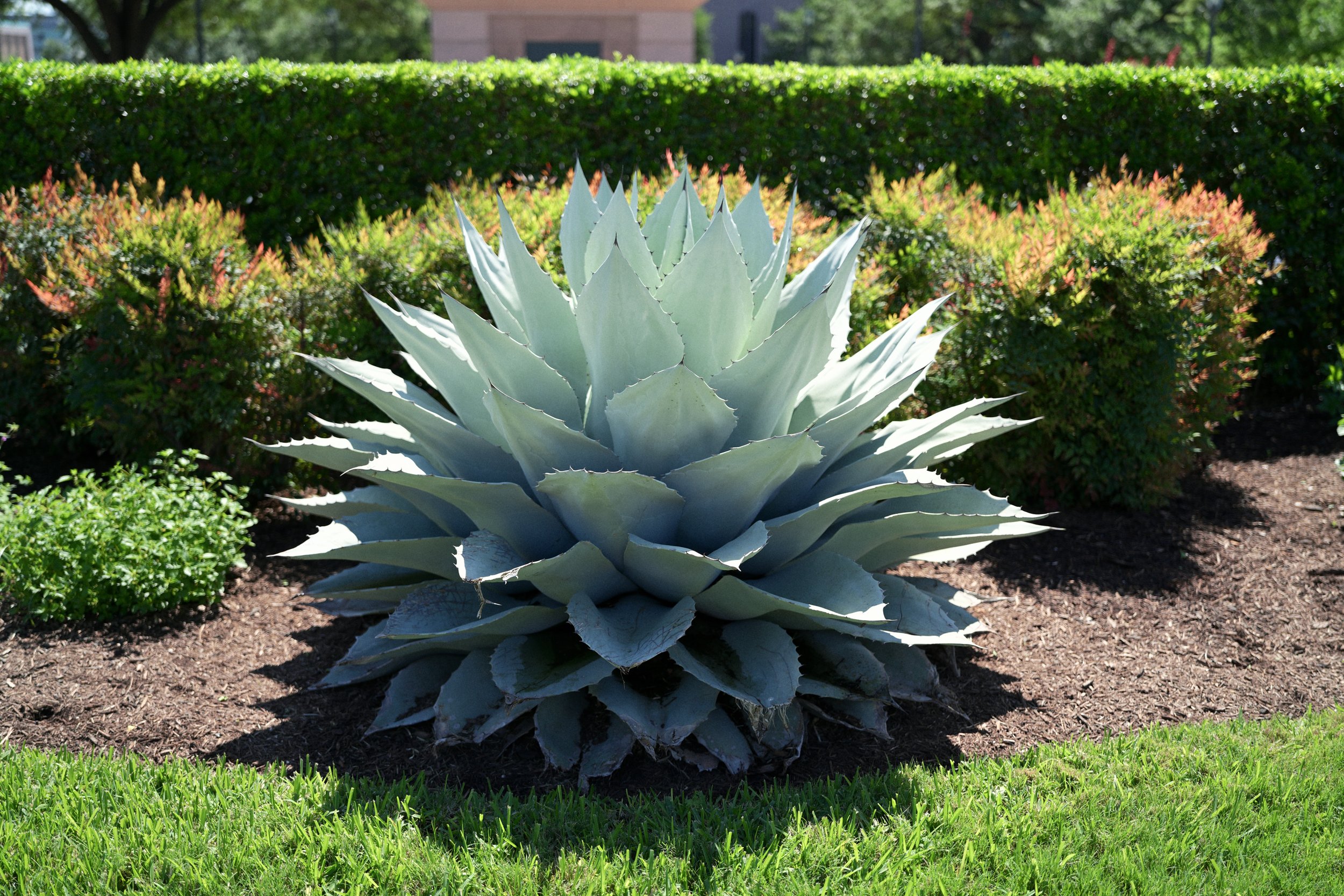
Example gallery below, all shot with Scott’s Natura on the Nikon Zf with no additional processing.
I hope you enjoy shooting with this film sim! If you found this helpful, please consider buying me a coffee so I can fuel up and continue to bring you more content like this by clicking the Ko-fi button below.